1. Can I restore a deleted card if I find my lost device?
No. Deleted cards cannot be restored. Only suspended cards can be resumed (unsuspended).
Comera Pay | Your Gateway to Seamless Online Payments


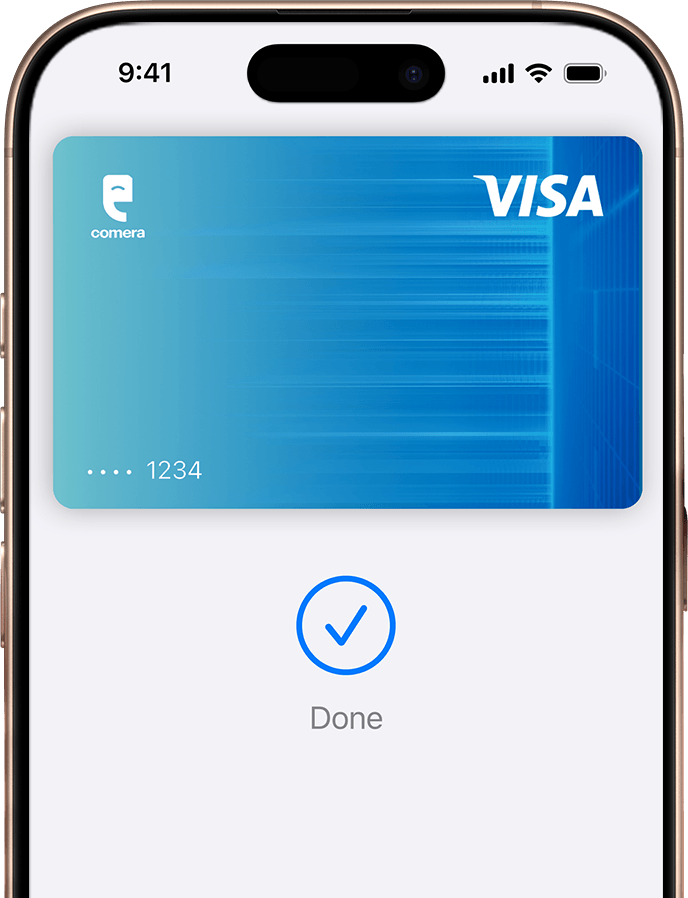
Apple Pay lets you make purchases with your Comera Pay Multicurrency Visa Card using any Apple device just like you would with your physical card, in stores, online, and in apps.
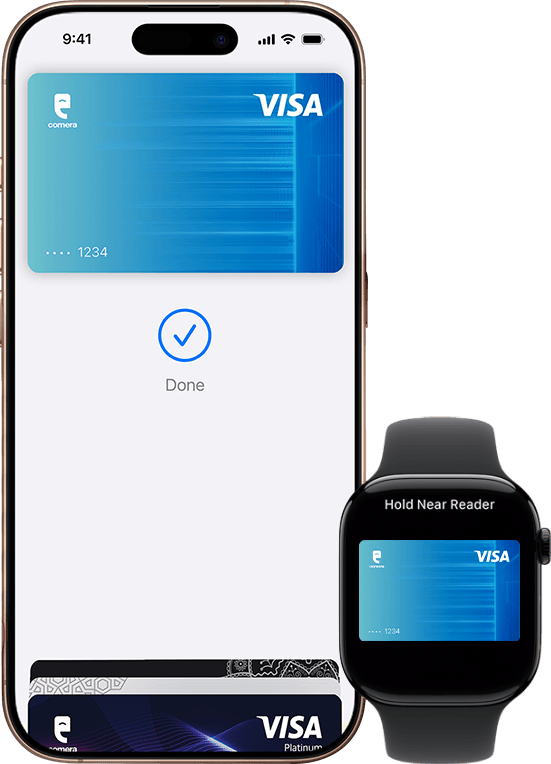

Add your Comera Pay Card to Apple Wallet on your iPhone, then add it to your other compatible Apple devices, including Apple Watch, iPad and Mac.
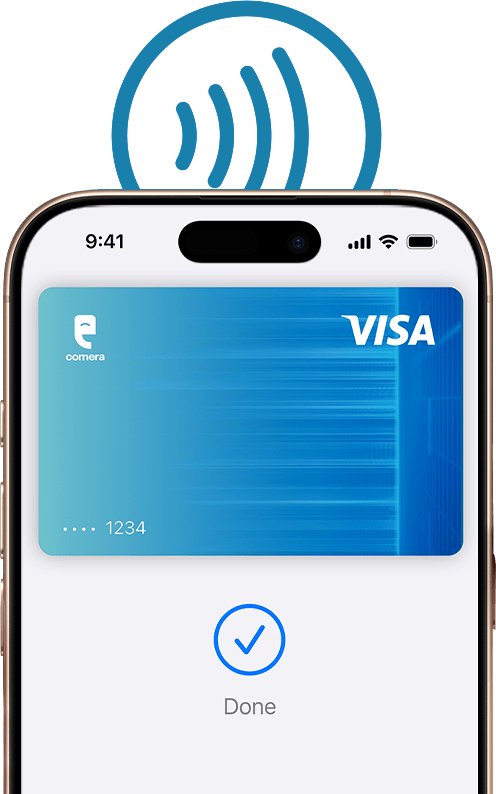

Apple Pay is accepted by millions of merchants around the world. Just look for the Pay or contactless payment symbol at checkout and pay with your Comera Pay Card.
To check out with Apple Pay if you’re on a computer but not using Safari or a Mac, click the Pay button and scan the code that appears on screen with your iPhone.
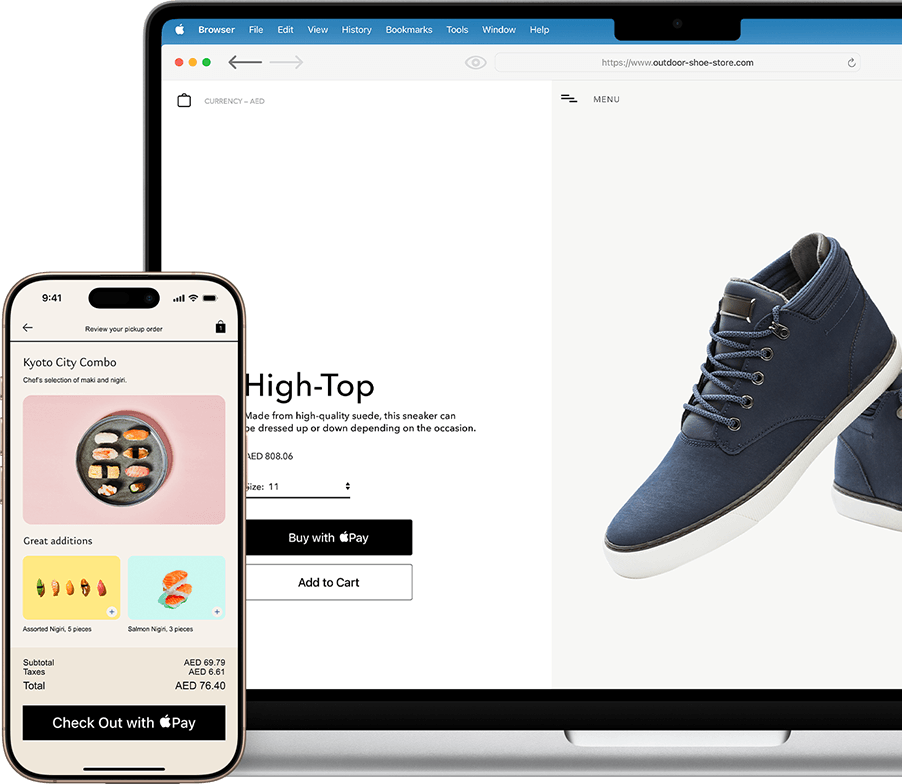

Apple Pay lets you skip entering your address or CVC code at checkout – so you can pay with your Comera Pay card with a simple glance or touch.
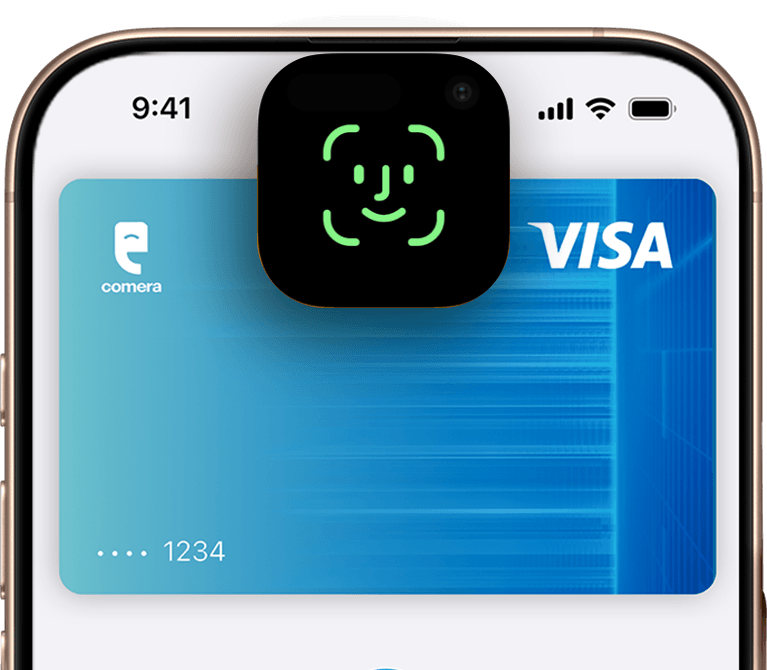

Apple Pay transactions require authentication through your device’s built-in security features – including Face ID, Touch ID, and your passcode. Your debit or credit card number is never shared with merchants by Apple or stored on Apple servers. And, if you misplace your iPhone, you can quickly mark it lost on Find My to suspend your Comera Pay Multicurrency Visa Card.
Open Apple Wallet on your iPhone.
Tap the Add (+) button, then tap Debit or Credit Card.
Follow the steps on the screen to add a new card.
No. Deleted cards cannot be restored. Only suspended cards can be resumed (unsuspended).
Yes. You can add the card to Apple Pay again at any time, provided it is eligible.
A single card can be provisioned on up to nine (9) Apple devices.
The maximum number of cards depends on the device model:
Yes. The latest Apple Pay transactions made using your iPhone are displayed in the Apple Wallet.
Yes. You can add cards from any bank that supports Apple Pay, subject to the maximum number of cards supported by your device.
Not necessarily. The “Done” message confirms that the iPhone successfully communicated with the payment terminal. The final transaction status is determined by the payment terminal and issuer. If the terminal displays “Declined”, the transaction was not successful.
Yes. Customers receive notifications for both successful and declined Apple Pay transactions.
No. The card on the Apple Watch is a separate Apple Pay token and is not removed automatically.
All Apple Pay cards stored on the Apple Watch are automatically removed when the watch is unpaired.
Collect the following information from the customer:
Forward these details to the Comera Operations Team for further investigation.
Customers can suspend or remove their Apple Pay card by:
Note: Customer Care can suspend the Apple Pay token. Token deletion should follow the established operational process.
Yes. In most cases, Apple Pay is automatically updated with the replacement card details, allowing customers to continue making transactions without adding the card again.
If the physical card is only temporarily locked, Apple Pay transactions may still be permitted, depending on the issuer’s card controls and policies.
If your physical card is lost or stolen, immediately lock the card using the Comera or Comera Pay Standalone app, or contact Customer Care at +971 4 2468825. If the physical card has only been temporarily locked, Apple Pay transactions may still be possible until further action is taken.
The card may still appear in Apple Wallet. However, if the physical card has expired and has not been renewed or updated, Apple Pay transactions will be declined.
For more help with Apple Pay, visit Apple Pay Support.https://support.apple.com/en-ae/apple-pay
Apple Pay in More Browsers: Available with participating merchants on compatible browsers. Compatible browsers require WebSocket support. This feature is not available in all markets. Software requirements apply. To ensure you have all features of this product, update your iPhone or iPad to the latest software version.
Paying over time on Apple Pay: Loans not offered by Apple. Subject to eligibility requirements and approval. Apple provides technical services for Paying Over Time on Apple Pay. Apple is not providing financial services, and all lending and payment services are provided to you by the relevant card issuer and lending provider. Not available in all markets, and may not be available for all types of purchases, such as subscriptions and recurring transactions. Available in-store on iPhone, and online and in-app on iPhone or iPad. Software requirements apply. Additional terms may apply. For more eligibility and feature details, see Pay with Instalments using Apple Pay.
Apple Pay is a service provided by certain Apple affiliates, as designated by the Apple Pay privacy notice. See apple.com/legal/privacy/data/en/apple-pay. Neither Apple Inc. nor its affiliates are a bank. Any card used in Apple Pay is offered by the card issuer.
To use Apple Pay you need a supported card from a participating card issuer. To check if your card is compatible with Apple Pay, contact your card issuer.
Apple Pay is not available in all markets. See apple.com/ae/os/feature-availability/#apple-pay for more information.
Features are subject to change. Some features, applications, and services may not be available in all regions or all languages and may require specific hardware and software. See apple.com/ae/os/feature-availability/#apple-pay for more information.